
Update
The first journal entry was getting long, but the stage is set. I’m continuing the boolean technique right here, on just one single body mesh.
Before that, a small update on the plan: Shopify is taking longer than expected and almost no time went to creating Youtube content. The microphone is still here, though, and OBS won’t go anywhere. It just ain’t easy balancing a career in IT while doing all this on the side. Fortunately, the train is still on track—the wind is still blowing. Too much planning can hinder creativity, so I’ll just focus on this entry for now.
Single Body Plan
I’ve got about 3 ideas. They allow room for experimentation:
- Distorted primitives as booleans, perhaps only the wireframes
- Geoscattered objects as booleans
- Single primitive boolean on a falling body and replace the hole with smaller objects, scattered vertically
As usual, Daz Studio is generating the body meshes and Diffeomorphic is used to import them into Blender. The new kid on the block is the most amazing Afterglow by Curtis Holt, to set up some magnificent lighting. Better watch the crash course. Fully recommended.
The geoscattered objects technique is listed second, but since this is one of the best plugins ever made, “Made for the best Software in the World“, I’m taking this lane, making a lot holes left and right.
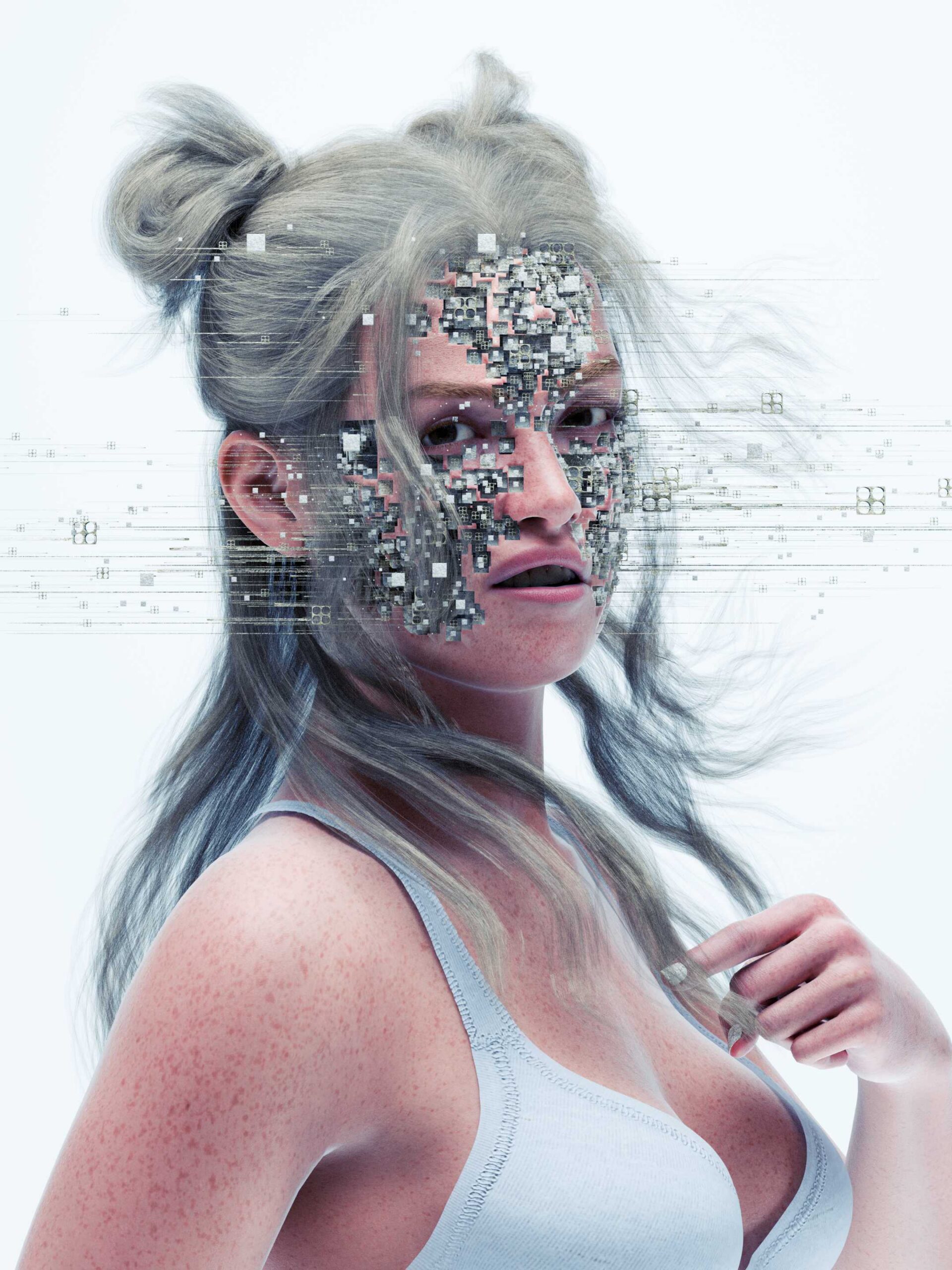
I must admit I’ve already made fantastic progress, but it’s hard to remember how this first render above was made. The goal of this journal isn’t exactly technical, but it’s nice to read about specific findings on how this beautiful science-fiction is created.
Geoscatter Booleans
Here is some text that will be of absolutely no use without this timelapse that goes with it. How do you use a Geoscatter system as a boolean? Here’s a quick guide.
The timelapse will be published here soon.
Scattering objects “In Volume” is awesome. This way, objects can take interesting shapes. Find an interesting mesh (tip: look into the Extra Mesh & Curve Objects addon). Select it as a Geoscatter volume, start scattering and export the whole system.
Select the objects close to the face that will serve as boolean objects. It’s important not to select too many, because the mesh can become quite messy with too much data. Make your selection a single mesh with CTRL + J, select the human body, add the Boolean modifier and select the object you just made. Under the Boolean, select an Exact Solver and check Hole Tolerant (very nice).
After the holes are set, go back to the scatter system and play around. You can export it again and distort it. I like a Remesh or Decimate modifier now and then.
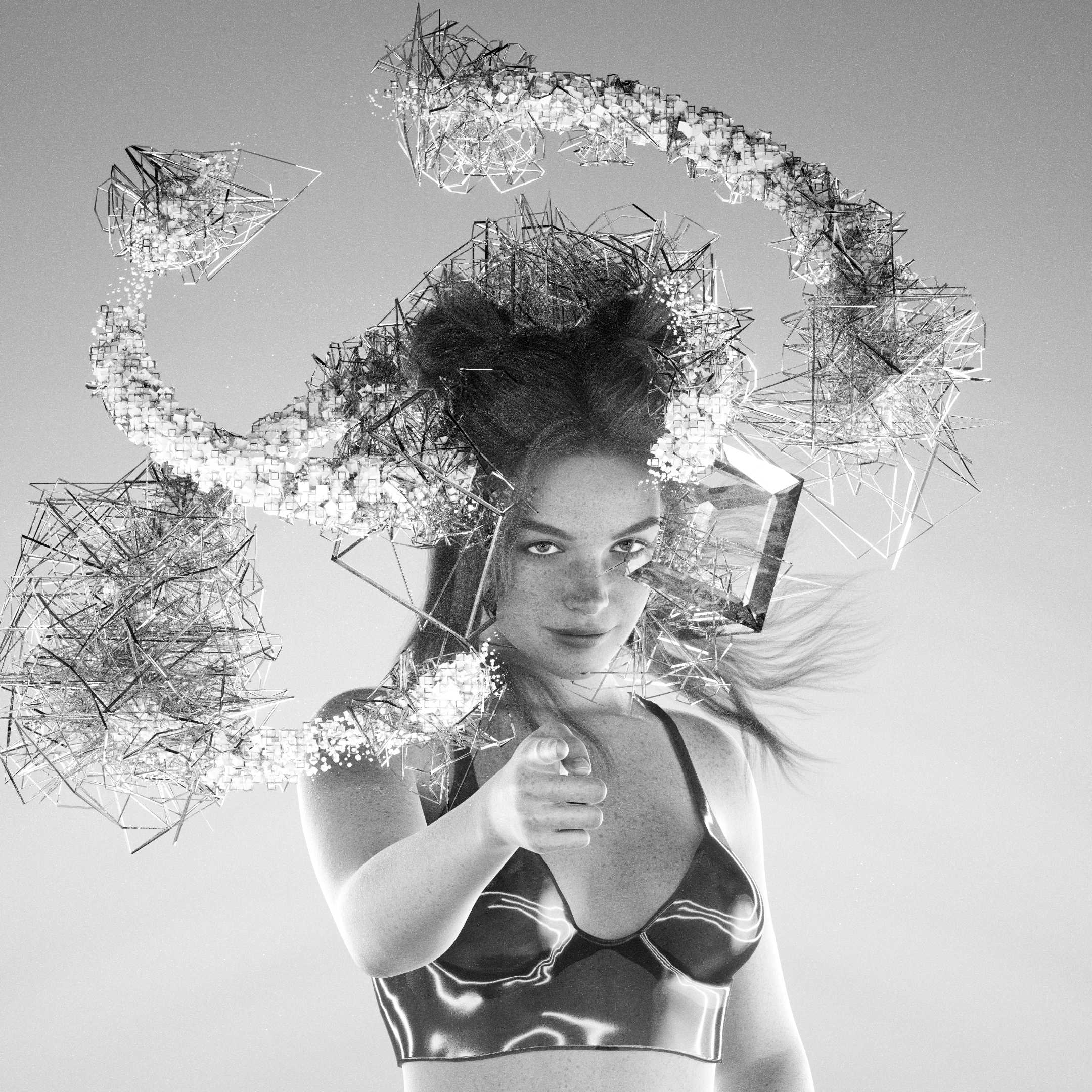
I hope you’re as inspired as I am. Feel free to reach out.
Cheers.
See what's new
Receive occasional studio news and sparkling updates on visuals & prints.
Thank you!
You have successfully joined our subscriber list.